About LumiRaw
LumiRaw develops raw photos in a browser tab. You open the file your camera saved, it makes the decisions a raw developer makes (exposure, white balance, contrast, noise, lens corrections), and you download a finished JPEG, PNG or TIFF.
It all runs on your own device, computer or phone: Rust compiled to WebAssembly, which reads your photos directly and never sends them anywhere.
Why
A raw file holds far more than the JPEG the camera makes from it, but getting at it usually means installing a big program and learning it, or uploading your pictures to someone else's server. I wanted something in between: open the file, get a picture that looks like what you saw, and be able to change any decision you disagree with.
What it does with a photo
The steps run in order, and most start from an automatic setting you can change:
- Framing. Straightens a tilted horizon and converging verticals if it finds them, and crops.
- Focus. Only shown when a photo measures soft. It can take back some of the blur, not all of it.
- Brightness. Exposure metered on the whole frame or on an area you mark, plus shadows, midtones and highlights.
- White balance. Automatic, or taken from an area you mark that should be neutral grey.
- Colour and detail. Vibrance, clarity and noise reduction, set from the noise measured in the file.
- Local. Graduated and radial filters, and a tool for removing dust spots.
- Before and after. A slider over the result, with every automatic correction listed and each one can be switched off.
- Grade. Tone curves, a colour mixer, colour wheels, 3D LUTs in .cube format, grain and vignetting, and seven film and colour looks that set the curves, mixer and wheels for you to carry on from.
- Download. JPEG, PNG (8 or 16-bit), TIFF or WebP, at full size or smaller, down to 1080 px for social media. Several photos can be exported together as a zip.
There is also a page for merging bracketed exposures into a single raw frame with more dynamic range, before you develop it, and one for picking the best photos from a shoot: it scores each one with two small neural networks, groups bursts and opens the picks for developing.
Lens corrections (vignetting, distortion and chromatic aberration) come from the lensfun database, which has calibrations for 1,294 lenses. They're applied when the lens recorded in the file is in it.
On real photos
Three of our own photos, as the camera recorded them and as LumiRaw develops them with nothing touched. Drag the divider to compare.
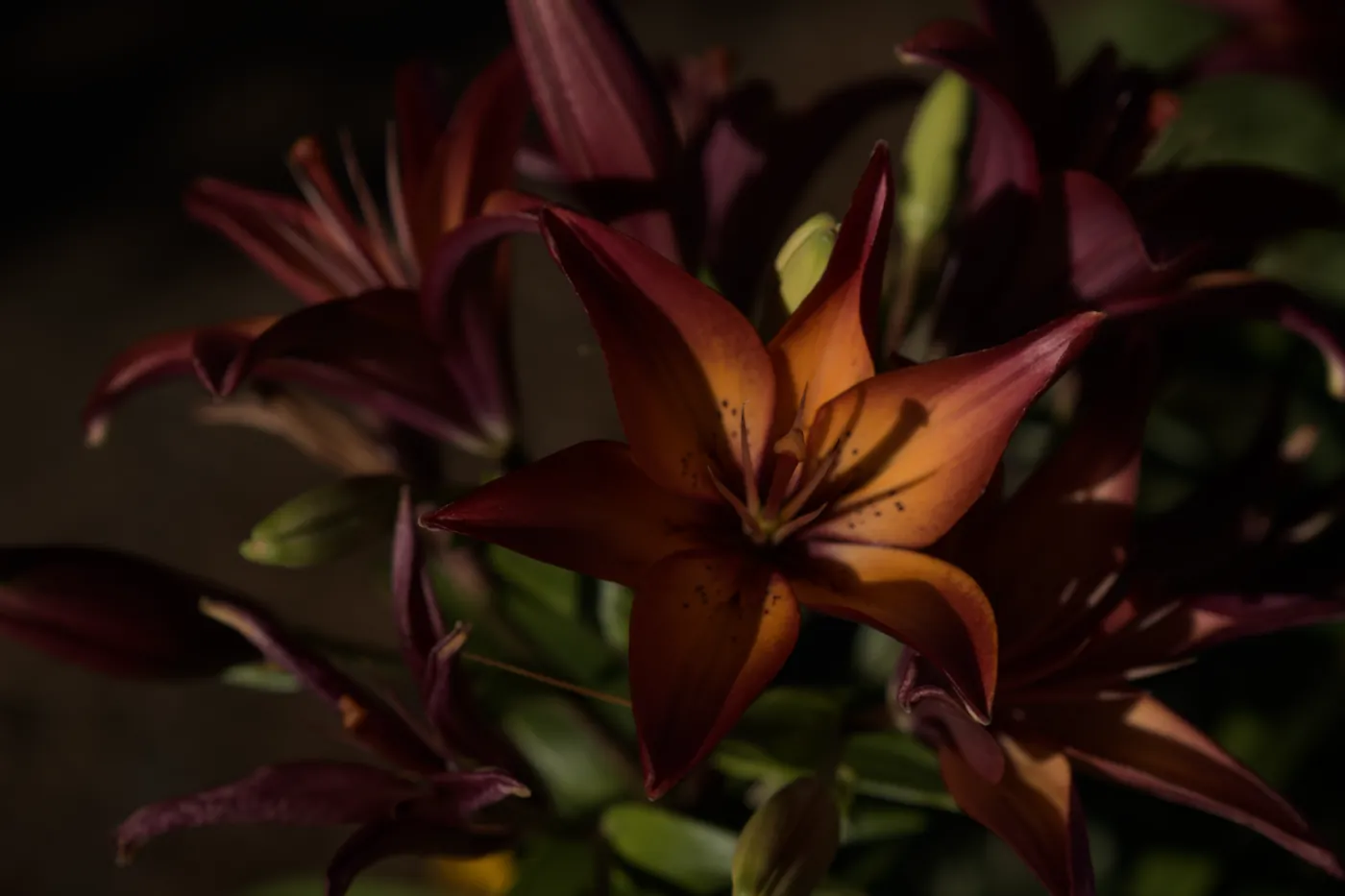
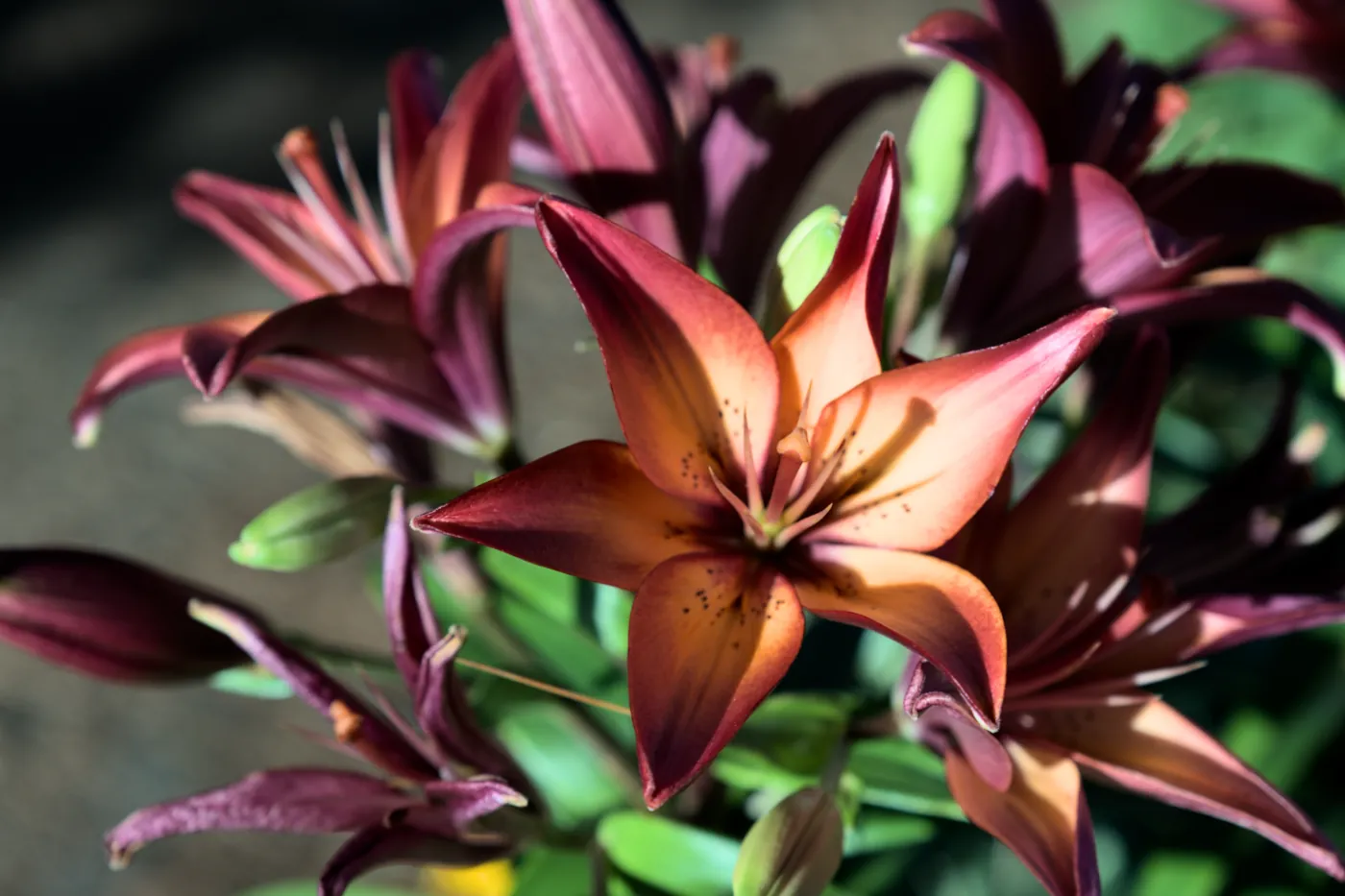 As recorded LumiRaw
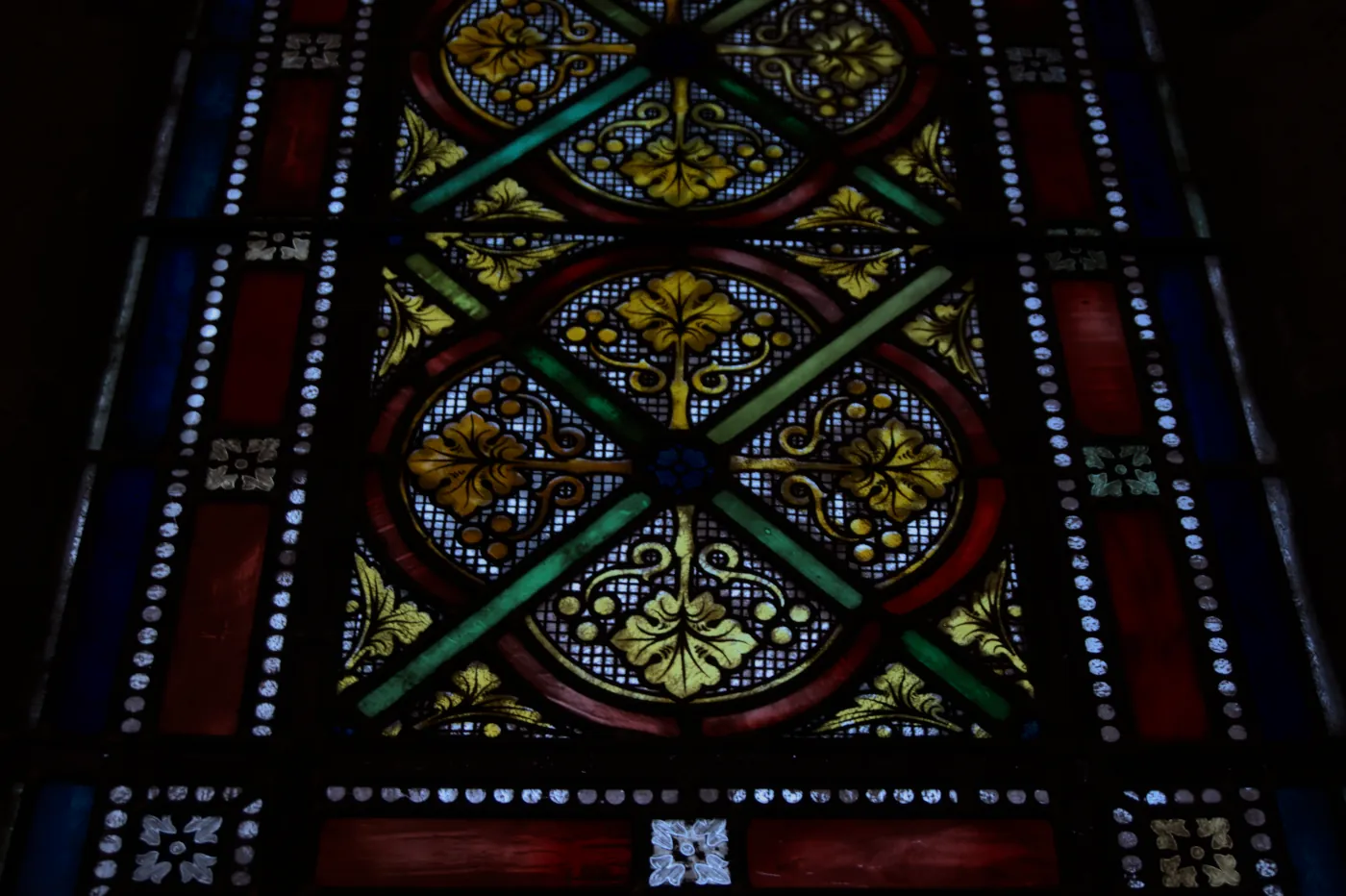
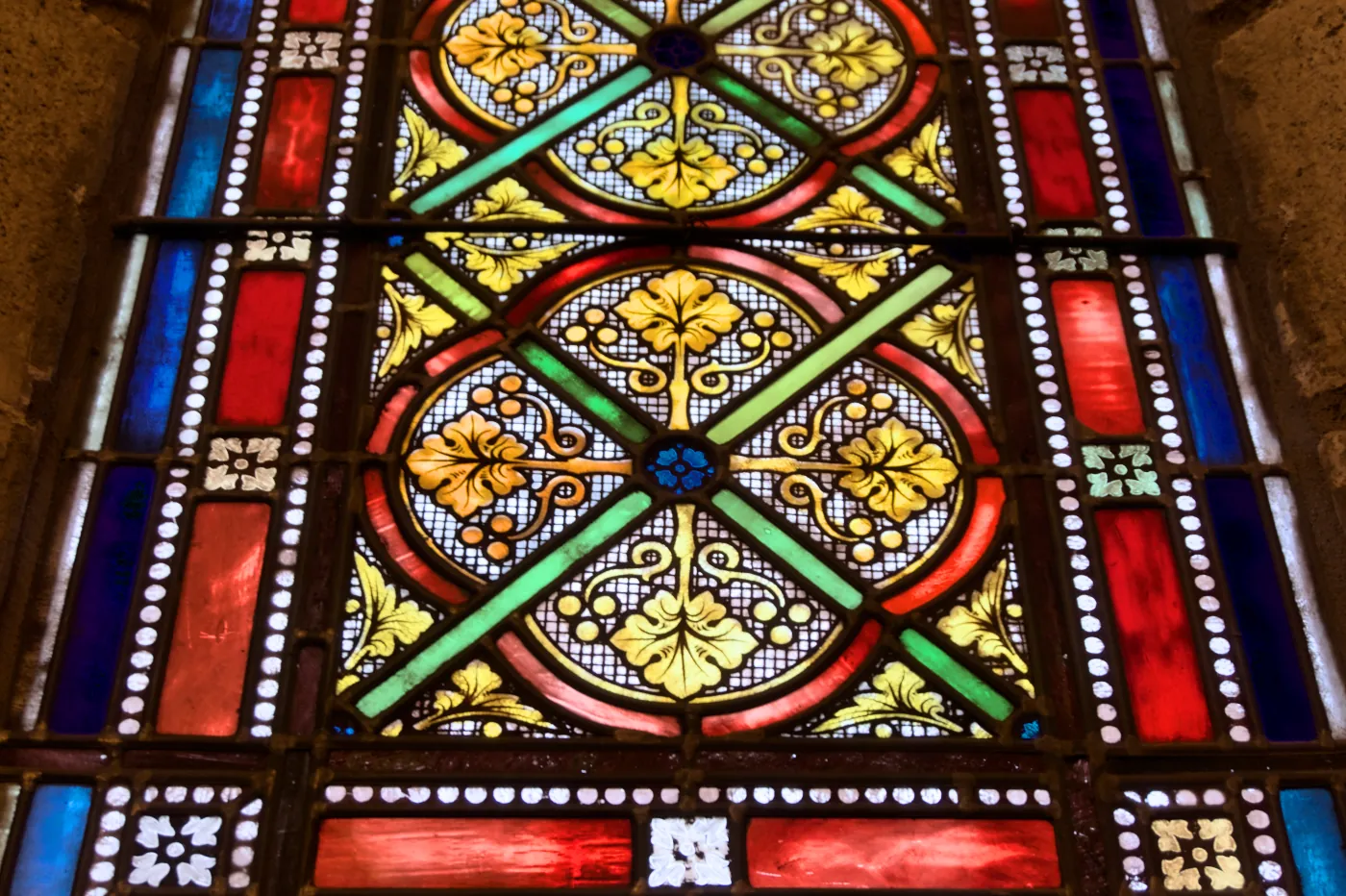 As recorded LumiRaw
 As recorded LumiRaw
Your files
- Nothing is uploaded. You can check this in your browser's developer tools: the network tab shows the page, its scripts, the processing engine and the lens database, and nothing else. The code is public: here's how it works and where it is.
- The photo isn't stored anywhere. There's no account and no analytics. What is kept, in your browser only, is the adjustments you made to each file, so opening it again brings them back. Clearing the site's data in your browser forgets them.
- After the first visit it works offline, and it can be installed as an app. Once installed, it shows up under "Open with" for raw files.
- Exported files keep the camera's metadata: when the photo was taken, the camera, lens and exposure, and the GPS position if the camera recorded one. Worth remembering before you post a photo taken at home.
What it doesn't do yet
- Everything runs on a single processor core, so a full-size export of a 26 MP file takes about ten seconds on a laptop. The 100 % view takes about three seconds to open, and a second or two after each change.
- Your edits stay in the browser you made them in. There's no way yet to take them to another device or save them to a file.
- A large raw file needs a lot of memory, and an older phone may not have enough.
- There's no brush for local adjustments, only graduated and radial filters.
- Fujifilm X-Trans files and iPhone ProRAW are supported, but have only been tested on synthetic data, not on real photos.
Built on
- rawler, the raw decoder from the dnglab project (LGPL-2.1).
- The lensfun database of lens calibrations (CC BY-SA 3.0).
- The looks on the Grade step, adapted from RawTherapee's Film Simulation collection by Pat David, Pavlov Dmitry and Michael Ezra (CC BY-SA 4.0).
- Björn Ottosson's Oklab colour space, which is where the lightness, colour and hue adjustments happen.
- For the calculators: the heights from Terrain Tiles, David Lorenz's light pollution atlas, the stars, constellations and Milky Way of Olaf Frohn's d3-celestial (BSD-3-Clause), and the cloud forecast from Open-Meteo (CC BY 4.0).
- Rust and WebAssembly for the engine, Svelte for the page.